Done For You is the first row in your sidebar, and it covers two different things: having us set your academy up for you, and asking us to build something you need.
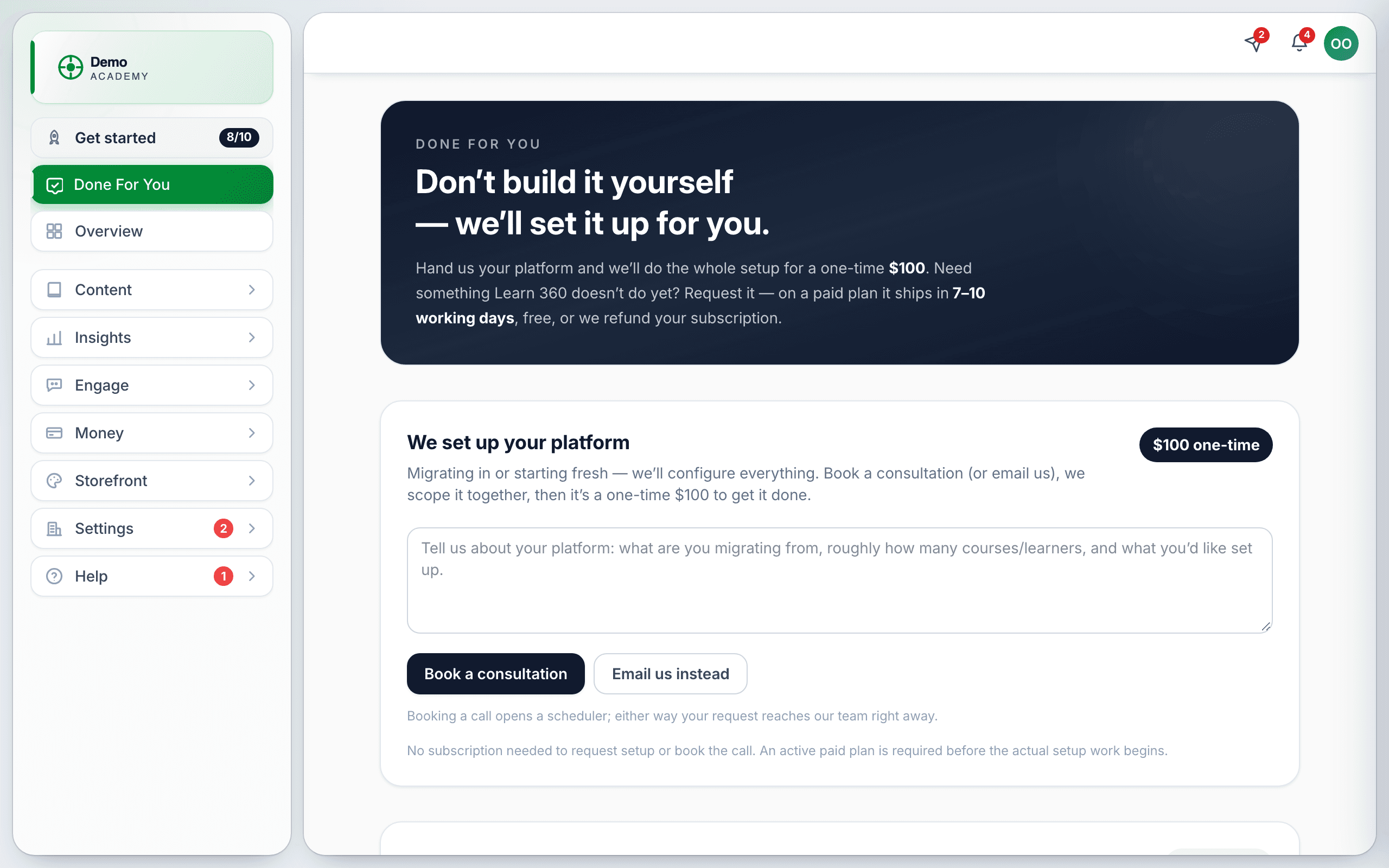
Done-for-you setup — $100, one time
If you would rather not build it yourself, we will. Tell us what you are migrating from, roughly how many courses and learners you have, and what you want set up. There is a prompt on the form asking exactly that.
It runs in four steps, and you can see which one you are on:
- You submit. The status reads Submitted — we’ll be in touch, and you see “Thanks — we’ve got your setup request and will reach out to scope the work.”
- We scope it with you and approve the request. You will see “You’re approved! Pay the one-time $100 setup fee to get started.”
- You pay with the Pay $100 for setup button.
- We build it. The status becomes Paid — setup in progress.
Feature requests
The second half of the page is for asking us to build something. Describe the feature and what problem it solves for you — the form asks for both, and the second part is the one that actually gets things built. A request with no “why” is very hard to prioritise.
If you submit something too short you will get “Please add a sentence or two so we understand what you need.”
Tracking what you have asked for
Everything you have submitted is listed on the page with its current status, so you do not have to dig through email to find out where something stands. If the list fails to load you will see “Couldn’t load your requests” — reload the page.
Should you use it?
Most people do not need to. The Get started checklist walks the whole setup in order, and a first course with a price on it is an afternoon’s work. Done For You earns its fee when you are migrating existing content in volume from another platform, or when your time is genuinely worth more than the setup.
If you are stuck on one specific thing rather than the whole build, a support ticket is faster and free.