Coaching is for the work you do with people rather than the content you sell them. You create an offer, someone buys it, and they get a private space with their weeks, their homework, their check-ins and a button to book time with you.
It lives at EngageCoaching.
The five tabs
- Offers — the programs you sell.
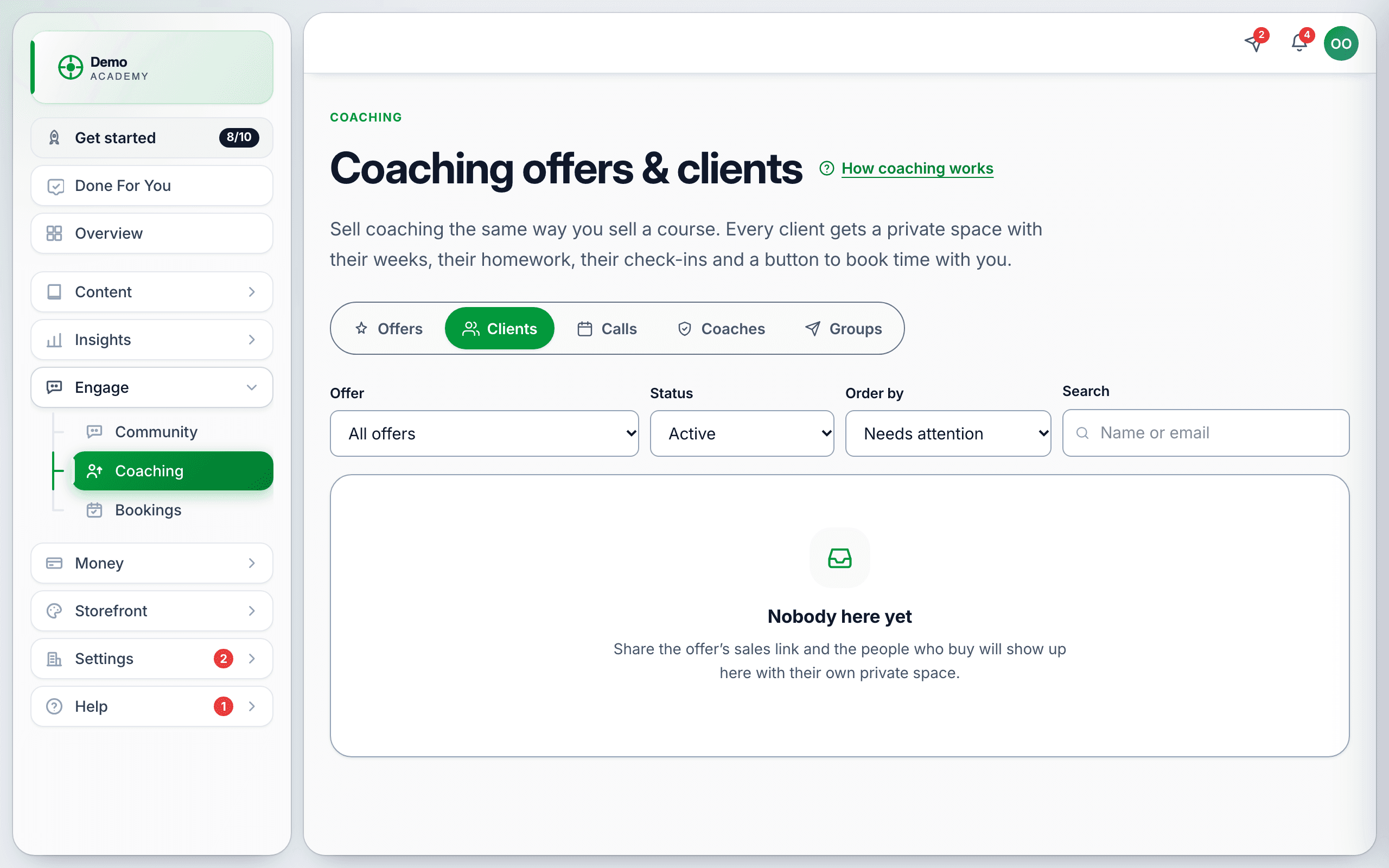
- Clients — everyone enrolled, and their progress.
- Calls — scheduled sessions.
- Coaches — who delivers, if it is not only you.
- Groups — the shared spaces behind group and cohort offers.
Offers can be filtered by All offers, Selling and Archived.
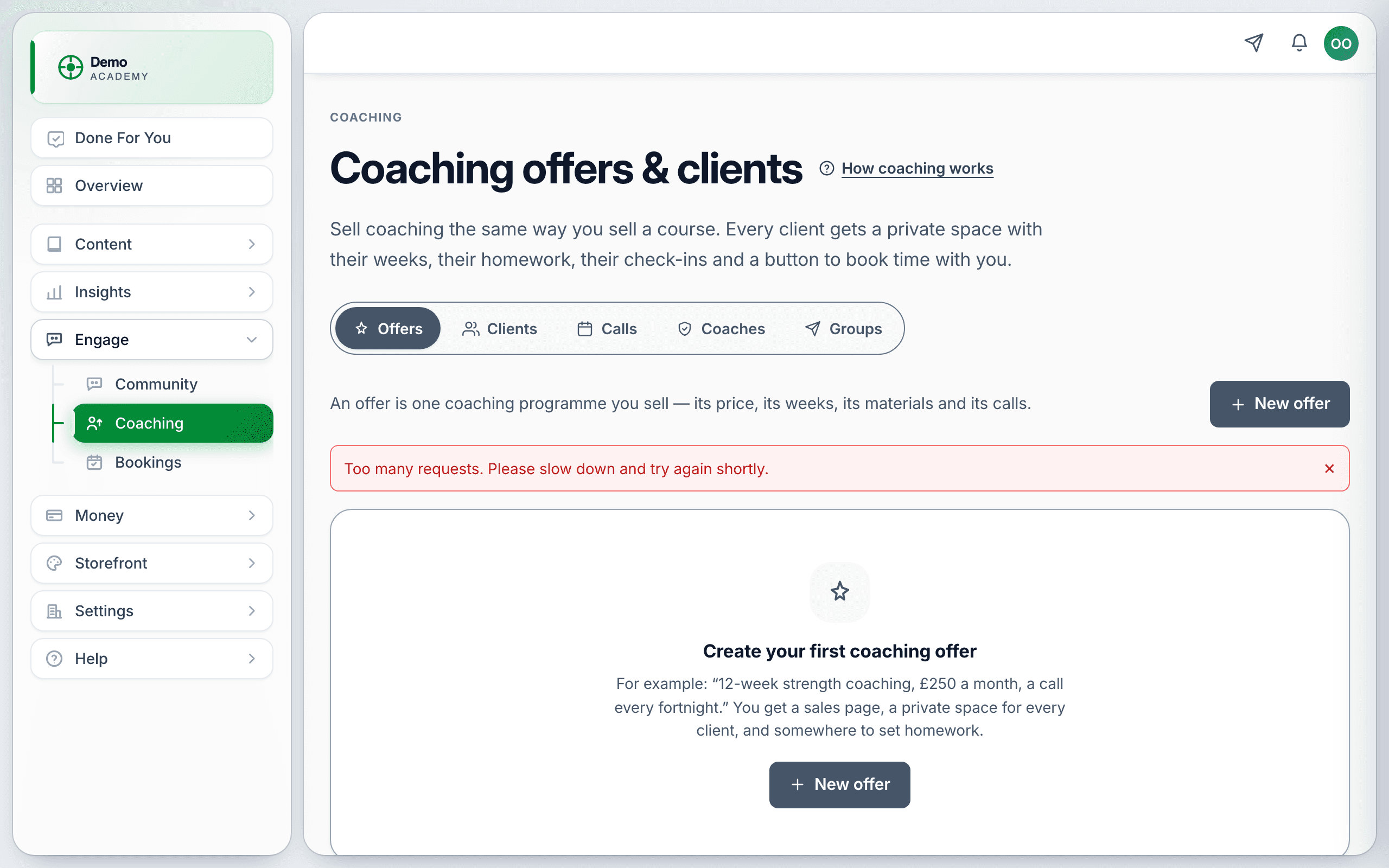
Creating an offer
An offer is one coaching program — its price, its weeks, its materials and its calls. Press New offer and set:
- Title and tagline — the tagline is the line on the sales card. In the demo: “Eight weeks of coaching for the manager who just got the job.”
- Shape — One-to-one, Group or Cohort (a group that starts on a date).
- Price — one-off or recurring. The demo offers run at US$540.00 · 6 calls and US$95.00 / month.
- How calls work — Calls included (a regular rhythm), Session pack (a fixed number to spend), or none.
- Visibility — public, so it appears on your catalog, or private so it is link-only.
Building the program
Open an offer and you can give it:
- Weeks — the modules that structure the engagement.
- Resources — templates, worksheets, reading.
- Tasks — homework. Clients submit, you respond.
- Trackers — the numbers a client logs week to week (weight, revenue, hours, whatever the work is about).
Each offer also has a Client view so you can see what a client sees, a Link to share, Edit and Archive.
Working with clients
The Clients tab lists everyone enrolled; open one for their own page — their weeks, what they have submitted, their tracker entries and a one-to-one conversation. Group and cohort offers also get a shared feed, which is where the Groups tab points.
Calls
Coaching calls run on the same scheduling engine as Appointments & bookings, so set your availability and connect your calendar there first. If you have not, clients will have nothing to book.
Selling it
Three routes:
- Your catalog — public offers appear alongside courses.
- A direct link — from the Link button on the offer.
- Inside a course — add a Coaching offer activity to a lesson. It never blocks progress, and it hides itself if the offer is archived, so an old course cannot advertise something you no longer sell.
Discount codes do work on coaching offers, including the ?code= auto-apply link.
How this differs from a course
A course scales: build once, sell many times, your time is not in the delivery. Coaching does not scale, and should be priced as though your calendar is the constraint — because it is. Most academies end up doing both: the course is the product, the coaching is the upgrade.